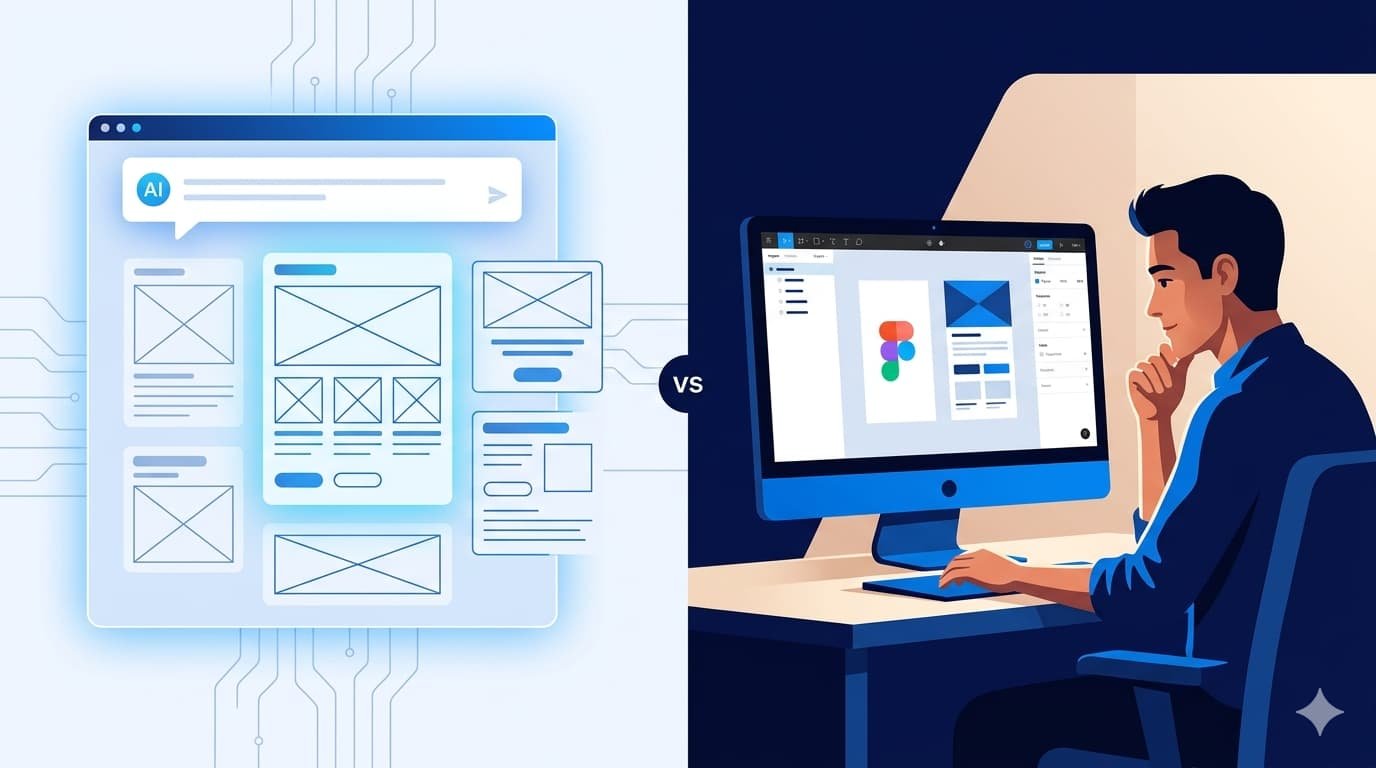
Figma's stock dropped 7% in a single afternoon. Not because of a bad earnings report. Not because of a security breach. It dropped because Anthropic launched a new product called Claude Design — and the design world hasn't stopped debating it since.
If you're a business owner, a founder, or a product manager, you've probably already heard the noise. "AI is going to replace designers." "You don't need a design agency anymore." "Just describe what you want and Claude will build it."
Some of that is hype. Some of it is real. And knowing the difference could save you from a costly mistake — or help you move faster than your competitors.
At Capslock, we've been testing Claude Design since its research preview launched on April 17, 2026. In this article, we'll walk you through exactly what the Claude Design AI tool can do, where it falls short, and most importantly — what it actually means for your business decisions.
First, What Exactly Is Claude Design?
Claude Design is Anthropic's new AI-powered visual creation tool, built on top of Claude Opus 4.7. You can read the official announcement on Anthropic's website. It lives inside claude.ai (not as a separate app), and it lets you describe what you want in plain language — and get back a working prototype, slide deck, UI mockup, or marketing asset.
You don't need Figma. You don't need a designer. You don't need to know what a grid system is. You type a description, and Claude builds a first version. You refine it through conversation, direct edits, or inline comments.
It can also read your existing codebase and design files to pull out your brand colors, typography, and component styles — and apply them consistently across everything it creates. That's not a small thing for businesses that have struggled to maintain brand consistency across teams.
According to Capslock's early testing, Claude Design can compress what used to be a week-long design brief-mockup-review cycle into a single afternoon for non-technical teams.
Who Is It Built For?
Anthropic has been clear about this: Claude Design is built for people who were never going to use Figma in the first place. The primary users it's designed for include:
- Founders who need to communicate a product idea visually before hiring a designer
- Product managers who want to create shareable wireframes before a design review
- Marketers who need landing pages, one-pagers, or social assets without a design bottleneck
- Startups in early stages who can't yet afford a full-time design team
It's currently available in research preview for paid Claude subscribers — Pro, Max, Team, and Enterprise plans. Free users don't have access yet.
What the Claude Design AI Tool Can Actually Do
Let's be specific, because vague claims aren't helpful when you're making business decisions. The Claude Design AI tool offers five core capabilities worth understanding before you make any decisions around it.
Prototyping From a Text Prompt
You describe a product interface in plain language, and Claude builds an interactive prototype. One early case study from Anthropic involved Brilliant, an education technology company. Their senior product designer reported that complex pages which required 20+ prompts to recreate in other tools needed only 2 in Claude Design. That's a meaningful difference.
Slide Decks and Pitch Materials
Founders can go from a rough outline to a polished pitch deck without opening PowerPoint or hiring a designer. The output is exportable as PDF, PPTX, or HTML. Not a replacement for a strategically crafted investor deck — but a huge time saver for early-stage communication.
Brand System Application
During onboarding, Claude reads your existing design files and codebase to understand your brand identity — colors, fonts, spacing, components. Once it knows your system, every asset it creates reflects it. For businesses with an established brand, this is genuinely useful.
One-Pagers and Marketing Assets
Product landing pages, campaign briefs, internal one-pagers. If it's a single-page visual asset, Claude Design handles it well. Datadog's product team reportedly compressed a week-long design cycle into a single conversation using Claude Design — a claim covered in detail by TechCrunch's launch coverage.
Handoff to Development
When a design is ready, Claude packages a handoff bundle that can be passed directly to Claude Code for implementation — creating a full loop from concept to code inside Anthropic's ecosystem. For teams already using Claude Code, this integration is a real workflow advantage.
Pro tip: Claude Design works best when you give it detailed context — your brand guidelines, the purpose of the asset, and the audience you're designing for. Vague prompts get generic results.
What Claude Design Cannot Do — And This Part Matters
Here's where we need to be honest, because a lot of the coverage around this tool has skipped over the limitations. And if you're a business owner making decisions based on hype, those limitations are the most important part.
It's Not a Replacement for Professional UI/UX Design
Figma holds an estimated 80–90% of the professional UI/UX design market for a reason. Full design systems at scale, complex component libraries, pixel-perfect accessibility work, nuanced user research integration — Claude Design doesn't touch any of that. Not yet.
Professional UI/UX design isn't just about making things look good. It's about understanding user psychology, reducing friction, designing for accessibility, and making decisions informed by research and testing. Claude Design generates visuals. It doesn't replace the strategic thinking behind them.
Quality Is Inconsistent for Complex Outputs
For simple assets — a one-pager, a basic prototype, a slide deck — Claude Design performs well. For complex, multi-screen products with intricate user flows, the output quality drops noticeably. You'll spend more time correcting and refining than you might expect.
It Doesn't Understand Your Users
A designer who has conducted user interviews, run usability tests, and reviewed analytics knows things about your audience that Claude doesn't have access to. The tool can make something that looks professional, but looking professional and being effective for your specific users are two different things.
Real-Time Collaboration Is Limited
Multiple team members can access projects, but the real-time collaboration experience doesn't come close to what design teams are used to in Figma or Canva. For distributed teams with heavy review cycles, this is a friction point.
Claude Design vs Figma: A Side-by-Side Comparison
This is one of the most searched topics since the launch — and understandably so. To understand where the Claude Design AI tool fits in your workflow, here's a straightforward feature-by-feature breakdown:
| Feature | Claude Design | Figma |
|---|---|---|
| Learning curve | Very low — plain language input | Moderate to high |
| Prototyping speed | Very fast for simple outputs | Faster with experience |
| Design system support | Reads existing systems | Full design system management |
| Professional precision | Limited | Industry standard |
| Real-time collaboration | Basic | Best in class |
| Developer handoff | Claude Code integration | Comprehensive inspect mode |
| User research integration | None | Plugin ecosystem supports it |
| Export formats | PDF, PPTX, HTML, Canva | Multiple formats + code |
| Best for | Non-designers, early-stage, speed | Professional design teams |
| Price access | Paid Claude plans only | Free tier available |
The short answer on Claude Design vs Figma: they're not really competing for the same user. Figma is for designers who design for a living. Claude Design is for everyone who needs to communicate visually but isn't a designer.
Will AI Replace UI/UX Designers? Our Honest Take
This is the question everyone's actually asking, so let's give it a direct answer. The Claude Design AI tool can produce a polished prototype in minutes — but that's a very different thing from replacing a designer's judgment.
No — but the role is changing, and it's changing fast.
The designers most at risk are those doing templated, low-complexity work — basic marketing assets, simple landing pages, repeat-format collateral. For that category of work, tools like Claude Design genuinely reduce the need for human involvement.
The designers who are indispensable are those who:
- Lead user research and translate findings into design decisions
- Build and maintain complex design systems across large products
- Own the strategic relationship between business goals and user experience
- Collaborate with engineering teams on implementation quality
- Make accessibility and inclusivity a core part of the design process
According to the Capslock team, the designers who will thrive in this environment are those who treat AI tools as a way to explore more ideas faster — not as a threat to their value. The ones who resist using AI tools entirely will find themselves at a disadvantage.
"AI can generate a design. It cannot generate the judgment, the empathy, or the strategic context that makes a design actually work for its intended audience." — Capslock Agency
What This Means for Your Business — Practical Guidance
Okay, enough theory. Let's talk about what you should actually do with this information.
If You're an Early-Stage Startup
For early-stage startups, the Claude Design AI tool is a genuine time and cost saver. Use it to move fast in the early phases — rough prototypes, investor pitch decks, internal alignment documents. It will save you time and money before you have the budget or the user data to justify professional UI/UX work.
But when you're ready to build a product that real users will rely on daily, invest in proper UI/UX design. The gap between "looks good" and "works well for users" is where most early-stage products lose customers.
If You're Running a Growing Business
Claude Design is a genuine productivity tool for your marketing and product teams. For campaigns, quick landing pages, internal documentation, and stakeholder presentations — it removes bottlenecks.
But your core product experience, your brand identity, and anything your customers judge your business by — those need professional design thinking behind them. Not just a well-described prompt.
If You're Evaluating Your Design Agency Relationship
Don't cancel your design retainer because Claude Design exists. Instead, have a conversation with your agency about how they're incorporating AI tools into their workflow. A good agency — like Capslock — should already be using AI tools to work faster and more efficiently, passing those benefits on to clients.
If your agency isn't talking about AI at all, that's the real red flag.
If You're Building a Digital Product From Scratch
Claude Design can accelerate your discovery and ideation phase significantly. Use it to quickly visualize concepts, validate directions, and align stakeholders — before investing in full design and development.
Capslock's approach combines AI-accelerated design exploration with experienced UI/UX design thinking to help clients move fast without sacrificing quality. If you're building something new, this is exactly the kind of engagement we do well.
How Capslock Approaches AI and Design for Clients
We've spent significant time with Claude Design since its launch, and our position is straightforward: the Claude Design AI tool is powerful and belongs in the workflow — but not at the expense of strategic design thinking.
Here's how the Capslock team currently uses AI in client design projects:
- Rapid concept exploration: We use AI tools to generate multiple visual directions in the early phases of a project, giving clients more options to react to faster.
- Design brief acceleration: What used to require a week of back-and-forth can now start with an AI-generated draft that clients can give feedback on immediately.
- Asset production efficiency: Repeat-format assets — social templates, presentation decks, campaign one-pagers — are produced faster using AI assistance, reducing turnaround time for clients.
- Human-led quality control: Every output goes through experienced design review before it reaches the client. AI generates; humans refine and validate.
This approach is why clients working with Capslock on UI/UX Design and AI Solutions projects get both speed and quality — not a trade-off between the two.
According to Capslock Agency, businesses that combine AI-powered speed with professional design oversight consistently outperform those that rely exclusively on either approach.
Conclusion: Use the Tool, Keep the Thinking
The Claude Design AI tool is a genuinely impressive product. It launched less than two weeks ago and the design industry is already reacting — Figma's stock drop was a market signal, not just a news headline.
But impressive doesn't mean it replaces professional design. It means the threshold for getting something visual out of your head and onto a screen has dropped dramatically. For non-designers, that's a real unlock. For businesses, it means faster iteration in early stages and fewer bottlenecks in marketing workflows.
What it doesn't do is replace the human judgment, user research, accessibility thinking, and strategic design decision-making that separates a product people enjoy from a product people abandon.
Our recommendation: use Claude Design for speed and exploration. Use professional UI/UX design for quality and strategy. And if you're not sure where one ends and the other begins, that's exactly the kind of conversation Capslock is built for.
Written and reviewed by the Capslock Team — a full-service IT and digital agency with offices in Lahore, Pakistan and Yuba City, California. We help businesses build digital products that work. 📧 hi@capslockagency.com | 🌐 capslockagency.com
🚀 Ready to Build Smarter?
Whether you need AI-powered design exploration, a full UI/UX engagement, or both — Capslock helps you move fast without cutting corners.
Get in touch → capslockagency.com/contact/
Frequently Asked Questions
1. Is Claude Design free to use?
No. As of its current research preview, Claude Design is only available to paid Claude subscribers — Pro, Max, Team, and Enterprise plans. Free users do not have access. Enterprise usage-based customers receive a one-time credit for approximately 20 prompts, expiring July 17, 2026.
2. Can Claude Design replace Figma for professional design teams?
Not currently. The Claude Design AI tool targets non-designers who need to get from idea to visual quickly — a completely different audience from Figma's core users. Figma holds approximately 80–90% of the professional UI/UX design market and offers design system management, component libraries, developer handoff, and collaborative features at a depth that Claude Design doesn't match.
3. Will AI replace UI/UX designers?
AI will automate the lower-complexity, high-volume work in design — templated assets, basic prototypes, simple landing pages. Professional UI/UX designers who focus on user research, complex systems design, accessibility, and strategic thinking are not at meaningful risk. The designers most affected will be those doing templated work at scale.
4. How accurate is Claude Design when applying a brand's design system?
Claude Design reads your codebase and existing design files to extract brand elements during onboarding. For established brands with clear design documentation, the results are consistent. For brands with loosely documented guidelines or inconsistent existing assets, the output will reflect that inconsistency. Quality in, quality out.
5. Should my business hire a UI/UX designer or use Claude Design?
Both, for different purposes. Claude Design accelerates early-stage ideation, quick marketing assets, and internal communication materials. A professional UI/UX designer — or a design agency like Capslock — is the right choice when your core product experience, brand identity, or customer-facing design quality is at stake. The two approaches complement each other rather than compete.


