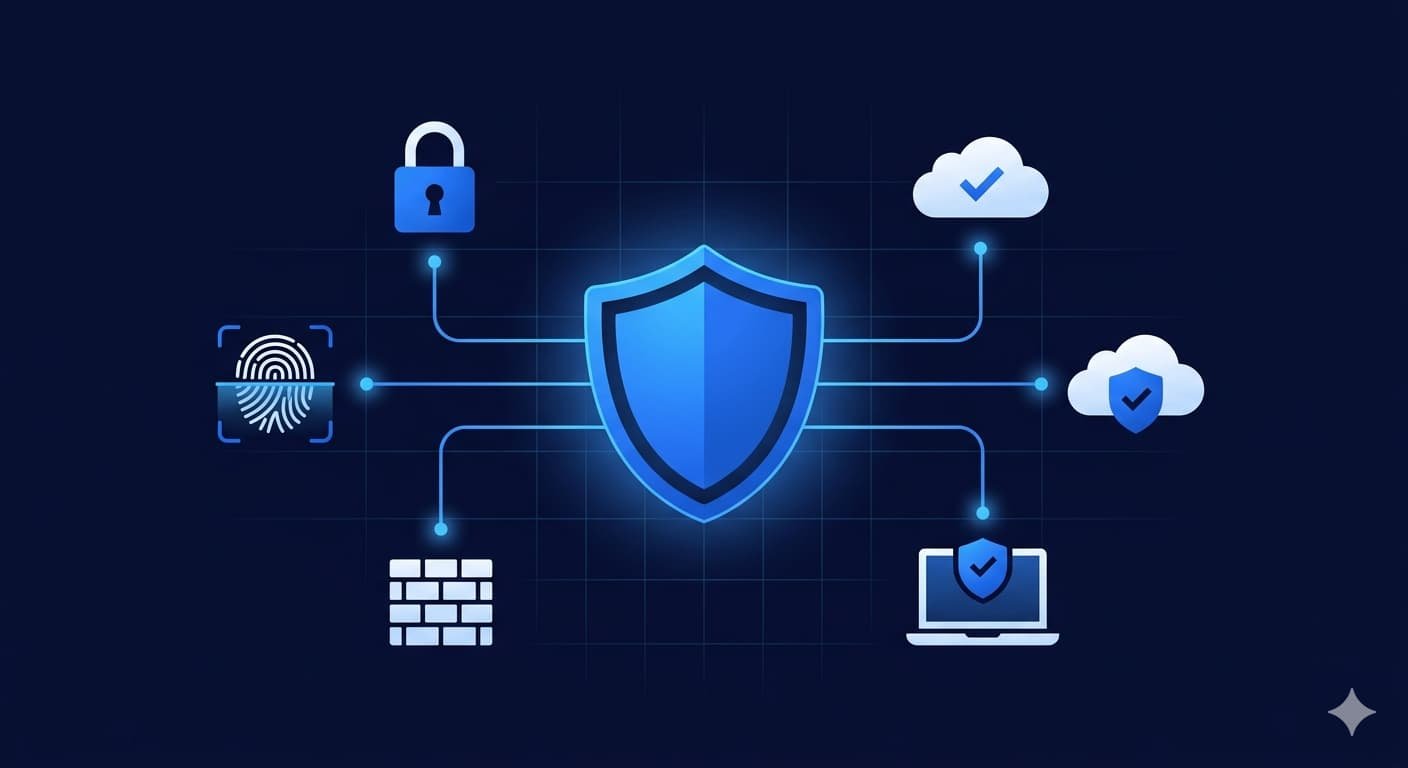
Your cybersecurity checklist small business 2026 starts here — because the threats hitting US businesses right now are not the ones from five years ago. Ransomware attacks on small businesses increased by 41% in 2025 alone, and the average cost of a data breach for a US small business now sits at $4.88 million according to IBM's Cost of a Data Breach Report. Most owners skip their cybersecurity checklist small business planning entirely because they assume they're too small to be a target. That assumption is exactly what attackers count on.
This cybersecurity checklist small business 2026 gives you 12 concrete actions you can take today — no IT degree required.
Why Your Cybersecurity Checklist Small Business 2026 Starts With Awareness
Let's be honest: cybercriminals are not just going after Fortune 500 companies. They target small businesses precisely because the defenses are weaker. A mid-sized retailer in Texas or a dental clinic in Ohio often runs on the same software as a large enterprise but with a fraction of the security budget.
"According to the Capslock Agency team, over 60% of small businesses that suffer a significant cyberattack close within six months — not because of the attack itself, but because of the downstream costs: legal fees, customer loss, and emergency IT recovery."
Three factors make small businesses especially vulnerable: outdated software, lack of employee training, and no incident response plan. Fix those three things and you've already put yourself ahead of the majority of your competitors.
The Complete Cybersecurity Checklist Small Business 2026
Work through this cybersecurity checklist small business 2026 systematically. Some of these take 10 minutes. Others take a weekend. All of them matter.
1. Enable Multi-Factor Authentication — Step 1 on Your Cybersecurity Checklist Small Business 2026
Multi-factor authentication (MFA) is the single highest-impact thing you can do today. It blocks over 99% of automated credential attacks according to Microsoft. Enable it on your email, cloud storage, accounting software, and any customer-facing portal.
Use an authenticator app like Google Authenticator or Microsoft Authenticator — not SMS codes, which can be intercepted via SIM-swapping attacks.
2. Keep All Software and Firmware Updated
Unpatched software is the open window attackers love most. Set Windows, macOS, your router firmware, and every business application to auto-update where possible. If auto-update isn't available, schedule a monthly patch review.
This includes point-of-sale systems, IoT devices, and any equipment connected to your network. Attackers scan for known vulnerabilities constantly — an unpatched plugin on your WordPress site can be exploited within hours of a public disclosure.
3. Use a Business-Grade Password Manager
If your team is still reusing passwords or storing them in a spreadsheet, that needs to stop today. A password manager like 1Password for Teams or Bitwarden Business generates and stores unique, complex credentials for every account.
Set a company policy: every business account gets a unique password, minimum 16 characters, with no personal information. This single change eliminates one of the most common attack vectors for small businesses in the USA.
4. Secure Your Wi-Fi Network — Properly
Wi-Fi security is a step most owners skip on their cybersecurity checklist small business 2026 — and your office network is likely less secure than you think. Change the default router admin credentials immediately. Use WPA3 encryption if your router supports it (WPA2 at minimum). Create a separate guest network for visitors and IoT devices so they can't reach your internal systems.
Here's a pro tip: disable WPS (Wi-Fi Protected Setup) on your router. It's a known vulnerability that attackers exploit to gain access without needing a password.
5. Back Up Everything — and Test Your Backups
No cybersecurity checklist small business 2026 is complete without backups — the 3-2-1 backup rule is the industry standard for good reason: keep 3 copies of your data, on 2 different media types, with 1 stored offsite (or in the cloud). Services like Backblaze Business or AWS Backup make this affordable even for small teams. If you're also evaluating cloud infrastructure, see our guide to AI cloud solutions for business USA 2026.
Critically — test your backups. A backup you've never restored from is a backup you don't actually have. Schedule a quarterly restore test to confirm your data is recoverable.
6. Train Your Employees on Phishing — Every Quarter
Human error is involved in over 85% of data breaches. Phishing emails in 2026 are frighteningly convincing — attackers now use AI to personalize messages with your employee's name, company, and even recent internal context scraped from LinkedIn.
Run simulated phishing tests using tools like KnowBe4 or Proofpoint Security Awareness. Follow up each simulation with a 15-minute training session. Quarterly is the minimum — monthly is better for high-risk industries like finance, healthcare, and legal.
"The Capslock Agency team consistently finds that businesses investing in quarterly phishing simulations reduce successful phishing click rates by 70–80% within the first year compared to untrained teams."
7. Install and Monitor Endpoint Protection
Standard antivirus isn't enough in 2026. You need endpoint detection and response (EDR) — software that monitors behavior in real time, not just scans for known malware signatures. Solutions like CrowdStrike Falcon Go or Malwarebytes for Teams are priced for small business budgets.
Every device that touches your business data — laptops, phones, tablets — should have endpoint protection installed and actively monitored.
8. Implement a Firewall and Network Segmentation
Your internet router's built-in firewall is a starting point, not a solution. A dedicated business firewall (Fortinet, SonicWall, or Cisco Meraki) gives you deep packet inspection, application control, and intrusion prevention.
Network segmentation means separating your internal business systems from guest devices, point-of-sale terminals, and any connected equipment. If one segment is compromised, it doesn't automatically spread to the rest of your network.
9. Control Who Has Access to What
Not everyone on your team needs access to everything. The principle of least privilege means every employee gets the minimum access required to do their job — nothing more. Review permissions quarterly and revoke access immediately when someone leaves.
This applies to cloud tools too: your social media manager doesn't need admin access to your accounting software. Tighten those permissions and you reduce your attack surface significantly.
10. Create a Written Incident Response Plan
Most small businesses have no documented plan for what to do when a breach happens. By the time they figure it out, the attacker has been in the system for days. Your incident response plan doesn't need to be 50 pages — a one-page document covering who to call, what to isolate, and who to notify (including legal obligations under state breach notification laws) is enough to get started.
Knowing how to protect your business from hackers in 2026 isn't just about prevention — it's about knowing exactly what to do in the first 60 minutes of an incident.
11. Secure Your Email Domain Against Spoofing
Email spoofing lets attackers send emails that appear to come from your domain — a technique used to impersonate you with your own clients or suppliers. Prevent it by configuring three DNS records: SPF, DKIM, and DMARC.
These are technical settings in your domain DNS, but they're one-time configurations. Your IT provider or managed security partner can set these up in under an hour. Without them, your domain is wide open for impersonation attacks.
12. Work With a Managed Security Provider
Here's the reality: completing your cybersecurity checklist small business 2026 requires ongoing attention, not a one-time setup. A managed security service provider (MSSP) monitors your systems 24/7, handles patch management, runs threat intelligence, and responds to incidents on your behalf.
For businesses running through a cybersecurity checklist small business 2026 plan, managed security is far more cost-effective than hiring an in-house IT security team. Monthly managed cybersecurity services typically run between $500–$2,500 per month depending on the size of your environment — a fraction of what a single breach would cost you.
Cybersecurity Threat vs. Recommended Control — Quick Reference Table
| Threat Type | How It Works | Recommended Control |
|---|---|---|
| Phishing | Fake emails trick employees into giving credentials | MFA + quarterly training |
| Ransomware | Encrypts your files and demands payment | Backups + EDR + patching |
| Credential stuffing | Uses leaked passwords from other breaches | Password manager + MFA |
| Man-in-the-middle | Intercepts data on unsecured networks | VPN + WPA3 Wi-Fi |
| Insider threat | Employee misuse or accidental data exposure | Least privilege + access reviews |
| Domain spoofing | Fake emails sent from your domain | SPF, DKIM, DMARC records |
| Unpatched vulnerabilities | Exploiting known software flaws | Auto-updates + patch policy |
| Social engineering | Manipulation via phone or email | Security awareness training |
"According to Capslock Agency's cybersecurity assessments, the majority of small business breaches we've responded to in 2025–2026 involved at least two factors that were preventable: missing MFA on email accounts and no tested backup system."
Small Business Cybersecurity Tips USA — What the Regulations Say
If you're ticking off your cybersecurity checklist small business requirements in the USA, know that cybersecurity isn't just good practice — it's increasingly a legal requirement. Healthcare businesses must comply with HIPAA. Businesses handling payment cards must meet PCI-DSS standards. And as of 2026, several US states including California, New York, and Texas have enacted or updated data breach notification laws that require you to notify customers within 30–72 hours of discovering a breach.
Ignorance of these regulations is not a defense. A proactive small business cybersecurity program keeps you compliant and protects you from regulatory fines on top of the breach costs themselves. For more on the threats shaping 2026, read our guide to cybersecurity threats for small business USA 2026.
Frequently Asked Questions
How much does cybersecurity cost for a small business?
Basic cybersecurity — password manager, MFA, endpoint protection, and backups — can be set up for $50–$200 per month for a team of 5–10 people. Managed security services typically cost $500–$2,500 per month and include monitoring, patching, and incident response.
What is the most common cyberattack on small businesses in 2026?
Phishing remains the most common entry point, followed by ransomware and credential stuffing. All three are addressable with the small business cybersecurity tips in this guide. MFA alone stops most credential attacks cold.
How do I know if my business has already been breached?
Signs include unusual login activity, employees receiving password reset emails they didn't request, slow systems, unexpected outbound data transfers, or customers reporting suspicious communications from your domain. If you suspect a breach, disconnect affected systems from the network immediately and contact an IT security professional.
Does a cybersecurity checklist small business 2026 need to include cyber insurance?
Yes — especially for US small businesses. Cyber insurance covers breach notification costs, legal fees, business interruption, and ransom negotiation in some cases. Premiums have come down significantly as the market has matured. Expect to pay $800–$3,000 per year for a basic policy depending on your revenue and industry.
Can I handle this without an IT team?
For the basics on any cybersecurity checklist small business 2026 — MFA, password manager, backups, training — yes. For anything involving firewalls, network segmentation, EDR configuration, or incident response, you'll want professional help. Knowing how to protect your business from hackers in 2026 at an advanced level really does require expertise that most business owners don't have time to develop alongside running the business.
Conclusion
Working through a cybersecurity checklist small business 2026 is not a one-afternoon project — but it's absolutely a manageable one when you take it step by step. Start with MFA, backups, and employee training this week. Add endpoint protection and firewall improvements next month. And revisit the full list every quarter.
The Capslock Agency team works with US small businesses across every industry to build practical, budget-conscious security programs that actually get implemented. We don't believe in throwing a 200-page policy document at a 10-person business. We believe in realistic, prioritized action — because a done security plan beats a perfect plan that never gets executed.
If you want expert support putting any of these steps into practice, we're here.
Ready to Secure Your Business Before the Next Attack?
Cybersecurity shouldn't be something you think about after an incident — it should be running quietly in the background every single day. The Capslock Agency team helps US small and mid-sized businesses implement real security programs that are proportionate to your budget and risk profile.
Our cybersecurity services include:
- Security audits and risk assessments
- Managed endpoint detection and response (EDR)
- Email security configuration (SPF, DKIM, DMARC)
- Firewall setup and network segmentation
- Employee phishing awareness training
- Incident response planning and support
We work with small businesses, startups, and growing enterprises across the USA who are serious about protecting their data, their clients, and their reputation.
Book a free security consultation — let's assess your current posture and build a plan that makes sense for your business.
📧 hi@capslockagency.com | 🌐 capslockagency.com | WhatsApp | 📞 US: +1 530 819 7542


