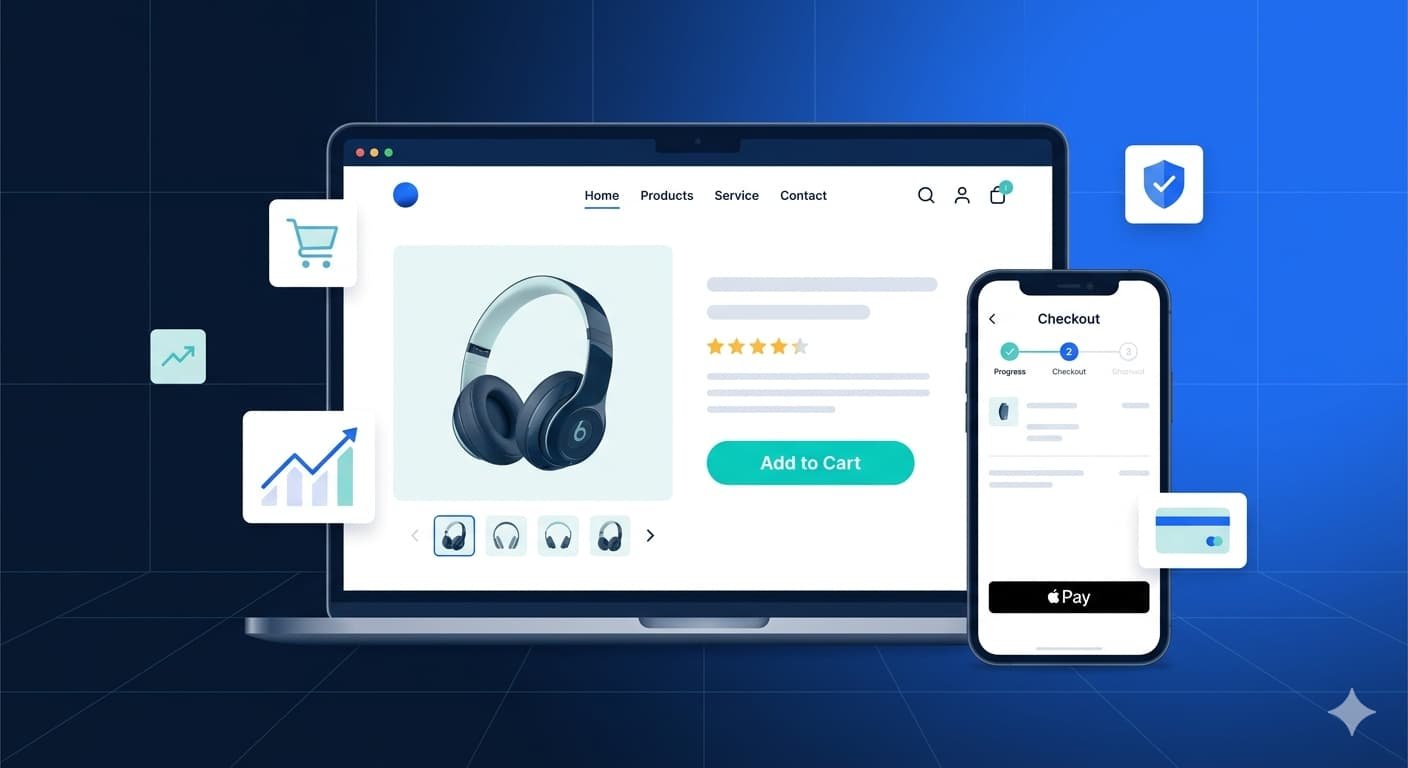
If you want to know how to build converting ecommerce website 2026, the answer isn’t just “pick a platform and launch.” The US e-commerce market crossed $1.1 trillion in annual sales in 2024, and competition has never been steeper. Most stores go live, get a trickle of traffic, and convert almost none of it — because they never learned how to build converting ecommerce website 2026.
This guide on how to build converting ecommerce website 2026 changes that. Whether you’re building from scratch or fixing a store that’s bleeding visitors, you’ll walk away with a clear, practical roadmap — the same framework the Capslock team uses with clients across retail, fashion, health, and specialty goods.
Let’s get into it.
Why Most E-Commerce Websites Fail to Convert
Before we talk about building, it’s worth understanding where stores go wrong.
The average e-commerce conversion rate in the US sits between 2%–4%. Stores below 1% aren’t just unlucky — they’re making structural mistakes. Slow load times, confusing navigation, trust gaps at checkout, and mobile experiences that feel like an afterthought all kill conversions silently.
The good news? Every one of these is fixable — and knowing how to build converting ecommerce website 2026 means fixing them before you launch, which is infinitely cheaper than fixing them after you’ve paid for traffic.
Choose the Right Platform for Your Business Size
When you’re figuring out how to build converting ecommerce website 2026, platform choice matters more than most founders realize. The wrong platform creates technical debt that slows you down for years.
Here’s a practical breakdown for 2026:
| Platform | Best For | Monthly Cost (est.) | Hosted? |
|---|---|---|---|
| Shopify | DTC brands, fast launch, scaling | $39–$399/mo | Yes |
| WooCommerce | WordPress users, flexibility | Free + hosting | No |
| BigCommerce | Mid-market, B2B + B2C | $39–$299/mo | Yes |
| Magento (Adobe Commerce) | Enterprise, complex catalogs | Custom | No |
| Wix eCommerce | Small stores, simple inventory | $17–$35/mo | Yes |
For most US businesses launching in 2026, Shopify remains the fastest path to a production-ready store. If you’re already on WordPress or need deeper customization control, WooCommerce is the better fit. Enterprise operations with complex pricing rules and multi-warehouse inventory should be looking at BigCommerce or Magento.
Here’s a pro tip: don’t pick a platform based on what’s trending in a Facebook group. Pick it based on your SKU count, expected monthly order volume, and whether you need B2B features like bulk pricing or purchase orders.
How to Build Converting Ecommerce Website 2026: The Foundation
This is the section most guides skip — the infrastructure decisions that determine whether your store can scale.
Hosting and Performance
Speed is a conversion factor, not just a technical one. A one-second delay in page load time reduces conversions by 7%, according to data from Portent. For hosted platforms like Shopify, performance is largely managed for you. For self-hosted WooCommerce or Magento, invest in a managed hosting provider — WP Engine, Kinsta, or Cloudways — not a shared $5/month server.
Enable a CDN (Content Delivery Network) from day one. Cloudflare’s free tier handles most small-to-mid stores adequately.
SSL, Security, and Trust Signals
No SSL certificate means no sales. Every major browser flags non-HTTPS sites as “Not Secure,” and US shoppers have been trained to look for the padlock. This is non-negotiable.
Beyond SSL, install a web application firewall, enable two-factor authentication on your admin panel, and make sure your checkout page is PCI DSS compliant if you’re processing cards directly.
Ecommerce Website Design Tips USA: Building for Conversion
Design isn’t decoration. When you’re building converting ecommerce website 2026, every visual decision is a business decision.
“According to Capslock Agency’s project data, e-commerce stores that redesign their product pages with a clear visual hierarchy and a single prominent CTA see an average 34% increase in add-to-cart rates within the first 90 days post-launch.”
Homepage: Set the Context, Not Just the Vibe
Your homepage has one job: convince the visitor they’re in the right place. Lead with a headline that says what you sell and who it’s for. Add a secondary line about your key differentiator (free shipping, US-made, same-day delivery). Then get out of the way.
Avoid the temptation to show everything on the homepage. Feature your three best-selling categories, one promotional banner, and a trust bar (reviews count, payment logos, return policy). That’s it.
Product Pages That Close the Deal
Product pages are where conversion actually happens. Most stores underinvest here and overspend on homepage design.
Every product page needs:
- Multiple high-resolution images — at least 4–6 angles, with lifestyle shots
- A benefit-led description — not specs-first, but outcome-first
- Clear pricing with no hidden surprises — tax and shipping estimates visible before checkout
- Stock urgency — “Only 3 left” or “Ships in 24 hours” when true
- Social proof — star rating and at least a handful of reviews above the fold
- A single, prominent Add to Cart button — not buried below the fold
Navigation and Site Search
If a visitor can’t find a product in two clicks, they’re leaving. Structure your navigation around how customers think about your products — not how you’ve organized your warehouse.
Install a smart search tool. Shopify has native search; for WooCommerce, look at SearchWP or Doofinder. A good site search tool can account for 10–15% of total revenue on mid-size stores.
Mobile-First Is Non-Negotiable in 2026
Over 63% of US e-commerce traffic now comes from mobile devices, per Statista’s 2024 data. Yet most stores still design on desktop and “make it work” on mobile as an afterthought. That’s backwards.
“The Capslock team consistently finds that mobile checkout abandonment is the single biggest conversion leak in US e-commerce stores — often 20–30 percentage points higher than desktop abandonment rates when mobile UX hasn’t been deliberately optimized.”
Build mobile-first. That means:
- Tap targets at least 44x44px
- Sticky Add to Cart button that stays visible as users scroll product pages
- Autofill-friendly checkout forms
- Apple Pay and Google Pay enabled — reducing checkout to two taps
- Images optimized for mobile bandwidth (WebP format, lazy loading)
Test your store on a real device at every stage of development. Emulators in your browser lie.
Best Ecommerce Website Practices 2026: Checkout Optimization
Seventy percent of US shoppers abandon their cart at checkout. This is where most stores lose the sale they already earned.
The best ecommerce website practices in 2026 all point to the same checkout principles:
- Guest checkout is mandatory. Forcing account creation before purchase costs you sales. Always offer guest checkout.
- Progress indicators reduce anxiety. A simple “Step 2 of 3” tells the buyer they’re almost done.
- Show the order summary throughout. Don’t make the buyer scroll back to verify what’s in their cart.
- Multiple payment options. Visa/Mastercard is not enough. Add PayPal, Apple Pay, Google Pay, and Klarna/Afterpay for buy-now-pay-later.
- Trust signals at checkout. McAfee badge, money-back guarantee, and a visible phone number or chat option reduce last-second cold feet.
- Autofill and address validation. Tools like Loqate or Google Address Autocomplete reduce input errors and speed up checkout.
“According to Capslock Agency, stores that implement guest checkout alongside a three-step progress indicator and at least three payment methods typically reduce cart abandonment by 18–25% compared to stores with a single payment option and mandatory account creation.”
SEO and Content: Building Traffic You Actually Own
Paid ads can fill a store fast, but the most profitable converting ecommerce websites 2026 own their organic traffic. Search is still the highest-intent channel for US buyers — and if you’re comparing growth strategies, our breakdown of AI marketing vs traditional marketing ROI is worth a read.
Technical SEO Essentials
Every product page needs a unique title tag and meta description. Avoid duplicate content from faceted navigation — this is one of the most common technical SEO mistakes on e-commerce sites.
Implement structured data (Schema.org Product markup) on every product page. This enables rich results in Google — star ratings and pricing displayed directly in search results — which meaningfully increases click-through rates.
Submit an XML sitemap, fix broken links, and make sure your canonical tags are set correctly if you use product variants.
Category Page SEO
Most e-commerce SEO guides focus on product pages. Category pages are often bigger wins. A well-optimized category page targeting “men’s running shoes under $100” can drive more sustained traffic than any individual product.
Add 100–200 words of genuine editorial content above the product grid on your top category pages. Google reads this. Buyers generally don’t — but it’s the signal that gets your category page ranking.
Internal Linking for E-Commerce
If you want to learn more about how to rank your ecommerce store organically, the Capslock SEO services guide covers the full technical SEO workflow for US businesses.
You can also explore how AI-powered web development approaches can speed up product catalog management, automated tagging, and smart search implementations.
Post-Launch: Analytics, Testing, and Iteration
Knowing how to build converting ecommerce website 2026 doesn’t stop at launch — that’s just the beginning.
Install Google Analytics 4 from day one. Set up conversion tracking for add-to-cart, checkout initiation, and purchase events. Without this, you’re flying blind.
Run A/B tests on your highest-traffic pages first — typically the homepage hero section and your top product pages. Tools like Google Optimize (now part of GA4 experiments), Optimizely, or even Shopify’s native A/B features let you test headline variations, CTA button colors, image layouts, and pricing display without developer involvement.
“The Capslock team recommends running A/B tests for a minimum of two weeks and at least 500 sessions per variant before declaring a winner — anything less produces statistically unreliable results that can lead to decisions that actively hurt conversion rates.”
Review your heatmaps monthly using Hotjar or Microsoft Clarity (free). Heatmaps show you where users click, where they stop scrolling, and where they rage-click in frustration. These insights are worth more than any analytics dashboard number.
Common Mistakes to Avoid
Let’s be honest — most people trying to build converting ecommerce website 2026 make the same avoidable errors.
- Launching with no reviews. Collect pre-launch reviews from beta testers or early buyers. Zero reviews = zero trust.
- Ignoring page speed. Run your store through Google PageSpeed Insights before launch. Aim for a score above 80 on mobile.
- Generic product descriptions. Copying manufacturer copy means competing with every other store selling the same product. Write your own.
- No email capture. Build your list from day one. A 10%-off-first-order popup is the simplest lead magnet and it works.
- Setting and forgetting. E-commerce optimization is a continuous process. Stores that win in 2026 are the ones running weekly experiments.
Frequently Asked Questions
How much does it cost to build an e-commerce website in the US? A basic Shopify store can launch for $1,000–$5,000 with a pre-built theme and standard configuration. A fully custom WooCommerce or Shopify build with custom design, integrations, and performance optimization typically runs $5,000–$25,000 depending on scope and complexity.
How long does it take to build an e-commerce website? A template-based Shopify store can go live in 2–4 weeks. A custom-designed store with catalog migration, payment integration, and QA testing typically takes 6–12 weeks. Enterprise-level builds on Magento can run 3–6 months.
What’s the most important factor for e-commerce conversion rates? Trust. Shoppers buy from stores they trust. Page speed, clear return policies, visible contact information, real product reviews, and a clean checkout experience all build trust. Fix trust gaps before running paid traffic.
Do I need a mobile app for my e-commerce store? For most small-to-mid stores, a mobile-optimized website outperforms a native app on ROI. Apps make sense when you have a high repeat-purchase rate and a loyal customer base who’ll actually install and keep the app. Most stores aren’t there at launch.
What payment gateway should I use in the US? Stripe and PayPal cover the vast majority of US buyers. Add Shopify Payments if you’re on Shopify (it removes transaction fees). For buy-now-pay-later, integrate Afterpay or Klarna — particularly important for orders above $100 in categories like apparel, furniture, and electronics.
Conclusion
Knowing how to build converting ecommerce website 2026 isn’t about picking the flashiest theme or running the biggest ad budget. It’s about making deliberate decisions at every stage — platform, performance, design, checkout, and post-launch iteration — that compound into a store buyers actually trust and return to.
The Capslock team has helped US businesses across retail, health, apparel, and specialty goods go from underperforming stores to consistent revenue generators. The framework in this guide on how to build converting ecommerce website 2026 is the same one we apply on every project.
Start with the foundation. Get the mobile experience right before you obsess over desktop. Optimize checkout before you scale traffic. And measure everything.
Ready to Build an E-Commerce Store That Converts?
The Capslock Agency team builds custom, high-converting e-commerce websites for US businesses — from lean DTC launches to complex multi-catalog platforms.
Our e-commerce web development services include:
- Custom Shopify and WooCommerce development
- Mobile-first UX and conversion rate optimization
- Payment gateway integration (Stripe, PayPal, Klarna, Apple Pay)
- Product page and checkout optimization
- SEO-ready site architecture and schema implementation
- Post-launch analytics setup and A/B testing
We work with US startups, established retailers, and brands ready to scale their online revenue.
Book a free consultation — tell us about your store and we’ll walk you through exactly what it needs to compete in 2026.
📧 hi@capslockagency.com | 🌐 capslockagency.com | WhatsApp | 📞 US: +1 530 819 7542