AI agents for business 2026 have moved from experimental pilots to a core part of how US companies operate. If you've noticed your competitors responding to customer emails instantly, restocking inventory before you even realize it's low, or qualifying leads while everyone's asleep, there's a decent chance an AI agent is behind it.
Here's a number worth sitting with: more than half of mid-sized US companies say they're now running at least one AI agent in production, up sharply from a year ago. That's not a future trend anymore — it's a current operating reality.
Let's explore what these systems actually are, how real US businesses are putting them to work, and what it takes to deploy one without wasting your budget on hype.
What Are AI Agents, Really?
An AI agent isn't just a chatbot with a new name. A chatbot answers questions. An AI agent takes actions.
Think of the difference this way: a chatbot might tell a customer their order shipped. An AI agent checks the shipping API, notices the package is delayed, automatically issues a discount code, and emails the customer proactively — all without a human touching it.
The Three Things That Make an Agent an Agent
- Reasoning — it breaks a goal into steps instead of following a single scripted path
- Tool use — it can call APIs, query databases, send emails, or update software on your behalf
- Memory — it retains context across a task (and sometimes across sessions) so it doesn't start from zero every time
If a system is missing any of these three, it's probably a chatbot or a simple automation — not an agent.
"The businesses getting real ROI from AI agents in 2026 aren't the ones with the flashiest demo. They're the ones who scoped a narrow, high-friction task and let the agent own it end to end." — The Capslock team
Why 2026 Is the Tipping Point
A few things converged to make this the year business AI agent automation USA became mainstream rather than experimental:
- Cheaper, faster models made running agents in production affordable for companies without enterprise budgets
- Mature tool-calling standards (like MCP-style integrations) made it far easier to connect agents to existing software — CRMs, helpdesks, inventory systems
- Labor cost pressure pushed small and mid-sized businesses to look for automation that doesn't require a full engineering team
- Customer expectations shifted — people now expect instant responses at any hour, something human teams alone can't sustainably deliver
Here's a pro tip: the companies seeing the best results didn't try to automate everything at once. They picked one repetitive, well-defined workflow first.
How US Companies Are Actually Deploying AI Agents in 2026
Let's get concrete. Here's where AI agents for business 2026 deployment activity is concentrated right now.
1. Customer Support and Service Recovery
Support agents now handle full ticket resolution — not just FAQ deflection. They check order status, process refunds within policy limits, and escalate only genuinely ambiguous cases to a human. One mid-sized e-commerce client the Capslock team worked with cut first-response time from 6 hours to under 90 seconds after deploying a support agent tied into their helpdesk and order system.
2. Sales and Lead Qualification
Instead of a form that sits in a CRM overnight, an agent now replies to inbound leads immediately, asks qualifying questions, checks the response against ideal customer profile criteria, and books a call directly on the sales team's calendar if it's a fit.
3. Internal Operations and Reporting
Agents are pulling data from spreadsheets, project tools, and finance software to generate daily or weekly summaries automatically — no more manual copy-pasting into a Monday morning deck.
4. Inventory and Supply Chain Monitoring
Retail and logistics businesses are using agents that watch stock levels, compare them against sales velocity, and place reorders or flag shortages before they become a customer-facing problem.
5. HR and Recruiting Screening
Agents are doing first-pass resume screening, scheduling interviews, and answering candidate FAQs — freeing HR teams to focus on actual conversations instead of logistics.
| Use Case | Typical Time Saved Weekly | Common Tools Connected |
|---|---|---|
| Customer support | 15–25 hours | Helpdesk, order system, CRM |
| Sales lead qualification | 8–15 hours | CRM, calendar, email |
| Internal reporting | 5–10 hours | Spreadsheets, project tools, Slack |
| Inventory monitoring | 10–20 hours | POS, inventory software, supplier portals |
| HR screening | 6–12 hours | ATS, calendar, email |
What Deploying an AI Agent Actually Involves
If you're picturing a plug-and-play install for AI agents for business 2026, it's worth resetting that expectation. A real deployment has a few distinct phases.
Step 1: Pick One Workflow, Not Ten
The most common mistake businesses make when they try to deploy AI agents USA-wide across every department at once is scope creep. Start with one workflow that's repetitive, rule-based, and currently eating real staff hours.
Step 2: Map the Decision Points
Before any code gets written, the process needs to be broken down: What decisions does a human currently make in this workflow? Which of those decisions follow a clear pattern, and which need judgment?
Step 3: Connect the Right Tools
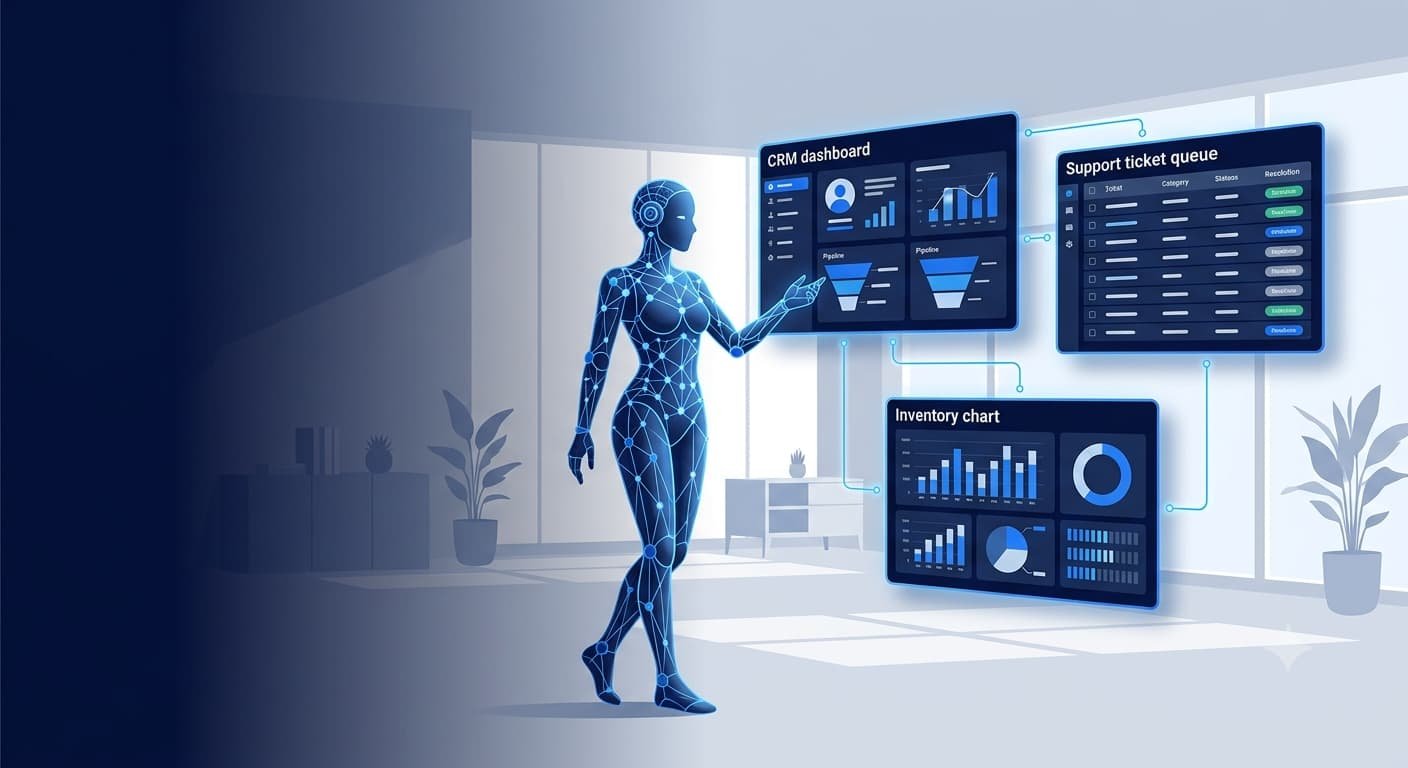
An agent is only as useful as what it can actually touch. This step involves connecting the agent to your CRM, helpdesk, calendar, inventory system, or whatever software the workflow depends on.
Step 4: Set Guardrails
This is the step businesses skip most often — and regret. Guardrails define what the agent can do autonomously versus what needs human approval. A refund under $50? Fine, automatic. A refund over $500? Route to a person.
Step 5: Test With Real (Not Perfect) Data
Agents need to be tested against messy, real-world inputs — typos, incomplete information, edge cases — not the clean demo data most vendors show you.
Step 6: Monitor and Iterate
Once live, the agent needs ongoing monitoring. Conversations and actions should be logged and reviewed weekly at first, then monthly once performance stabilizes.
"Every AI agent deployment the Capslock team has run follows the same rule: guardrails come before autonomy, never after." — Capslock Agency
Common Mistakes US Businesses Make With AI Agents
Let's be honest — not every AI agents for business 2026 deployment goes smoothly. The failures tend to cluster around the same handful of issues:
- Too much autonomy too fast — giving an agent full authority on day one instead of a supervised rollout period
- No fallback path — the agent has no clean way to hand off to a human when it hits something it can't handle
- Ignoring data quality — an agent connected to messy, outdated CRM data will make confidently wrong decisions
- Treating it as "set and forget" — agents drift in performance as your business, products, or customer questions change
- Skipping security review — giving an agent broad API access without least-privilege permissions
If you want a deeper look at how AI is reshaping marketing ROI more broadly, this piece on AI marketing vs traditional marketing ROI breaks down comparable data.
Security Considerations You Can't Skip
Giving software the ability to take autonomous action on your systems raises the stakes on security for AI agents for business 2026. According to CISA's guidance on AI system security, organizations deploying AI systems with tool access should apply least-privilege principles, log all actions for auditability, and maintain human oversight for high-impact decisions.
Before deploying any agent, businesses should also review what data it can access. An agent connected to a customer database needs the same access controls you'd apply to a new employee — not blanket admin rights. If cybersecurity isn't already a mature part of your stack, it's worth reading up on the current threat landscape for US small businesses before adding autonomous systems into the mix.
What It Costs to Deploy an AI Agent in 2026
Pricing for AI agents for business 2026 varies a lot depending on complexity, but here's a realistic range based on current market rates:
| Deployment Type | Typical Cost Range | Timeline |
|---|---|---|
| Single-workflow agent (support, lead qualification) | $4,000–$15,000 | 3–6 weeks |
| Multi-tool agent with custom integrations | $15,000–$45,000 | 6–12 weeks |
| Enterprise-grade agent with compliance requirements | $45,000–$90,000+ | 3–6 months |
| Ongoing monitoring and iteration | $500–$3,000/mo | Ongoing |
According to McKinsey's research on generative AI adoption, organizations that pair AI deployments with structured workflow redesign see meaningfully higher returns than those who bolt AI onto unchanged processes — a pattern that holds true for agent deployments as well.
Frequently Asked Questions
Is an AI agent the same thing as a chatbot?
No. With AI agents for business 2026, a chatbot responds to messages while an AI agent reasons through a goal, uses tools to take action, and can complete multi-step tasks without constant human input.
How long does it take to deploy an AI agent for a small business?
For most AI agents for business 2026 projects, a single, well-scoped workflow typically takes three to six weeks from discovery to live deployment, depending on how many systems it needs to connect to.
Do AI agents replace employees?
In most deployments, agents handle repetitive, high-volume tasks so employees can focus on judgment calls, relationship-building, and exceptions — not full role replacement.
What's the biggest risk with deploying AI agents?
Giving an agent too much autonomy before it's proven reliable. Guardrails and human review checkpoints should always come before full automation.
Can AI agents work with the software we already use?
Most modern agents connect to existing CRMs, helpdesks, and business software through APIs, so a full software replacement usually isn't necessary.
Final Thoughts
AI agents for business 2026 aren't a novelty anymore — they're becoming table stakes for US companies that want to stay responsive without endlessly growing headcount. The businesses winning with this technology aren't the ones chasing every new AI feature. They're the ones who picked one real workflow, built it properly with guardrails in place, and expanded from there.
The Capslock team has walked several US businesses through exactly this AI agents for business 2026 process, from scoping the first workflow to full deployment and monitoring. If you're weighing whether an AI agent makes sense for your business, that first conversation is usually where the clarity starts.
For more on how AI is shifting cloud and infrastructure decisions alongside automation, this piece on AI cloud solutions for business in the USA is a useful next read.
Ready to Put AI Agents to Work in Your Business?
Deploying an AI agent that actually saves time — instead of creating new problems — takes the right scoping, the right integrations, and the right guardrails from day one. Capslock Agency has helped US businesses across support, sales, and operations design and launch agents that work the way their teams actually need them to.
Our AI Solutions services include:
- Custom AI agent design and development
- CRM, helpdesk, and business software integrations
- Workflow mapping and automation strategy
- Guardrail and permission architecture
- Testing, monitoring, and iteration support
- Ongoing agent maintenance and optimization
We work with small businesses, growing startups, and established enterprises across the US looking to automate real workflows without the guesswork.
Book a free consultation — let's map out where an AI agent could save your business the most time in 2026.
📧 hi@capslockagency.com | 🌐 capslockagency.com | WhatsApp | 📞 US: +1 530 819 7542