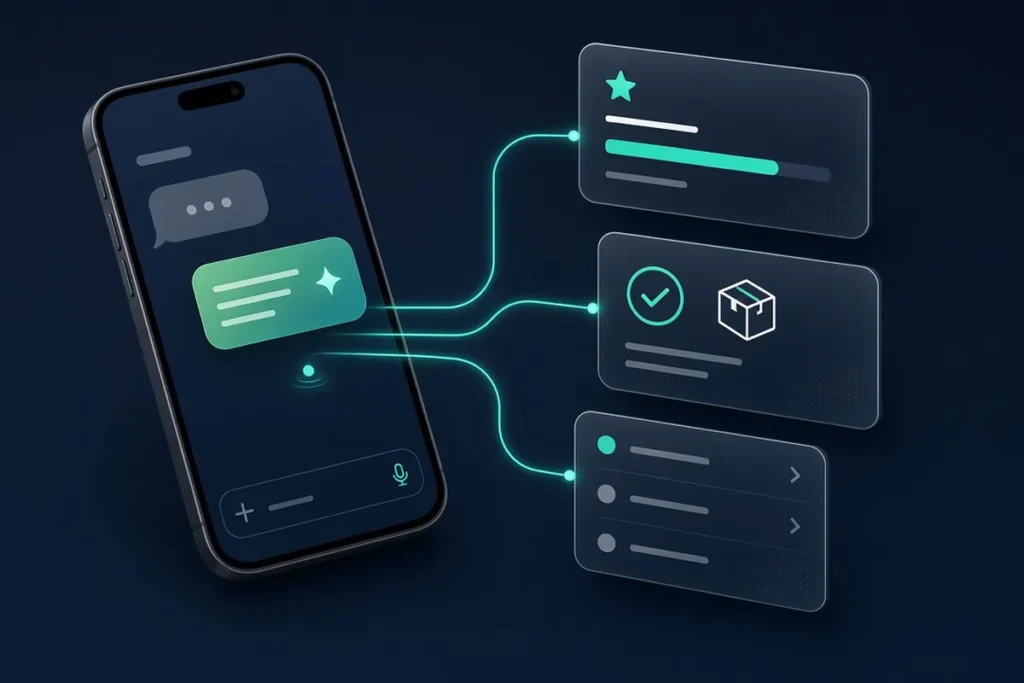
- Simplify workflows and drive growth with Capslock

If two or more of these sound familiar, start with one workflow. That’s usually enough to see where automation pays off in your business, and it costs far less than a hire you would need to train and manage.
When a website form, ad lead or missed call comes in, the lead gets a reply within minutes by text or email, is asked your qualifying questions and is offered a booking link. Hot leads trigger an instant alert to you or your sales lead by text or Slack. AI reads the request and drafts a personal reply; anything unusual goes to a person with the full history.
New leads, emails and call notes go straight into HubSpot, GoHighLevel, Zoho or the CRM you already use, with no retyping. AI pulls the name, need and budget out of free-text messages. Records it isn’t sure about wait in a short review queue, so your CRM stays clean and complete.
When a job is marked complete, the invoice is created in QuickBooks or Xero and sent, with polite reminders at set intervals. AI can read emailed bills and receipts and match them for you. Nothing is sent, and no payment changed, without your approval.
Every Monday, numbers from your ads, website analytics, CRM and accounting land in one Google Sheet or dashboard, with a short plain-English summary in your inbox. AI points out what changed. The report only informs; it takes no actions.
Booking requests become calendar appointments with confirmations, reminders, no-show follow-ups and rescheduling links. AI understands requests like “next Tuesday after 3pm.” Your staff can always override a booking.
We also automate marketing tasks. Our AI marketing automation playbook covers that side. We can also draft quotes and proposals from your intake answers.
Automate first the work that happens often, follows clear rules, can be measured, and does little harm if something goes wrong. That usually means speed-to-lead, invoice follow-up, CRM data entry or weekly reporting. Anything that decides prices, credit or legal questions, or that can’t be undone, stays behind a person’s approval.
Start with one process, one owner and one number to improve, such as minutes to first reply or hours spent on data entry. Measure it before we build, then again after launch.
| Workflow | How often it happens | Risk if it goes wrong | Good first pick? |
|---|---|---|---|
| Replying to new leads | Every day | Low (a person can follow up) | Yes |
| Invoice reminders | Every week | Low (reminders are approved templates) | Yes |
| Weekly reporting | Every week | Very low (report only) | Yes |
| Approving refunds or discounts | Occasionally | High (money leaves the business) | No, keep a person in charge |
Want the longer version? Read our AI process automation guide.
Typical timelines: a first workflow takes 1–2 weeks from kickoff. Several connected workflows take 3–5 weeks. A custom calling or WhatsApp agent takes 3–6 weeks.
A 30-minute call about where your week goes. Within 3 business days you get written findings: the workflows worth automating, ranked by time saved and risk, plus the ones we'd leave alone.

A one-page plan naming the workflow, the systems it touches, where AI is used, where a person approves, how we'll measure success, the price and the dates. You know the full cost, and what is not included, before we start.
We build in your own accounts, usually on n8n, connect your CRM, inbox, calendar and accounting tools, and add AI steps with clear instructions and a fallback for when the AI isn't sure. You can watch progress in a shared workspace as it comes together.
We run the automation on your real past leads, invoices or messages before it touches live work. Then we train your team and hand over a short written runbook, the logins and the documentation.
Error alerts come to us automatically, we run a monthly check, and we fix things when a connected tool changes. Each new automation reuses what's already built, so the next one is faster.
Most of what we build runs on n8n. Every step of an n8n workflow is visible and editable, so you can see what the automation did and why. It connects to almost any tool with an API, and it can run on your own server when your data needs to stay in-house. If you already pay for Zapier or Make, or the flow is simple enough for you to maintain, we’ll build there instead.
| Tool | When we use it |
|---|---|
| n8n (our default) | Multi-step workflows, AI steps, high volume, or data that should stay on your own server |
| Zapier | Simple, low-volume flows that you want to maintain yourself |
| Make | Visual workflows with branching, when your team already works in Make |
| OpenAI and Claude | Reading, sorting and drafting steps inside a workflow, chosen per task, running on your own API keys |
| WhatsApp Business API and voice platforms | WhatsApp automation and AI calling agents |
We deliver everything into accounts you own, and we work around the CRM, accounting and email tools you already use.
One-time. One workflow (for example speed-to-lead, WhatsApp auto-reply or invoice follow-up), up to 3 connected tools, one AI step, testing on real data, team training and a written runbook, and a 30-day fix window.
One-time. 3–5 connected workflows across one part of your business (for example lead → CRM → follow-up → booking → invoice), a simple reporting sheet or dashboard, team training, and a 30-day fix window.
Fixed quote after the audit. An AI calling agent or WhatsApp AI agent that answers, qualifies and books into your calendar and CRM, connected to your systems through n8n, tested on real conversations, with a 30-day fix window.
Care plan, starting from $200/month. Monitoring and error alerts, fixes when a connected tool changes, small adjustments and a monthly report. Month to month; cancel with 30 days’ notice.
Starting prices. Fixed quote after your free audit. Tool subscriptions, phone minutes and AI usage are billed to you directly by the provider, with no markup.
Here’s a simple way to check: hours saved per month × what those hours cost you, plus any revenue you recover, minus the monthly running cost. Compare that with the one-time build price. Count only hours that move to work that earns money. We’ll run this math with your numbers in the audit.
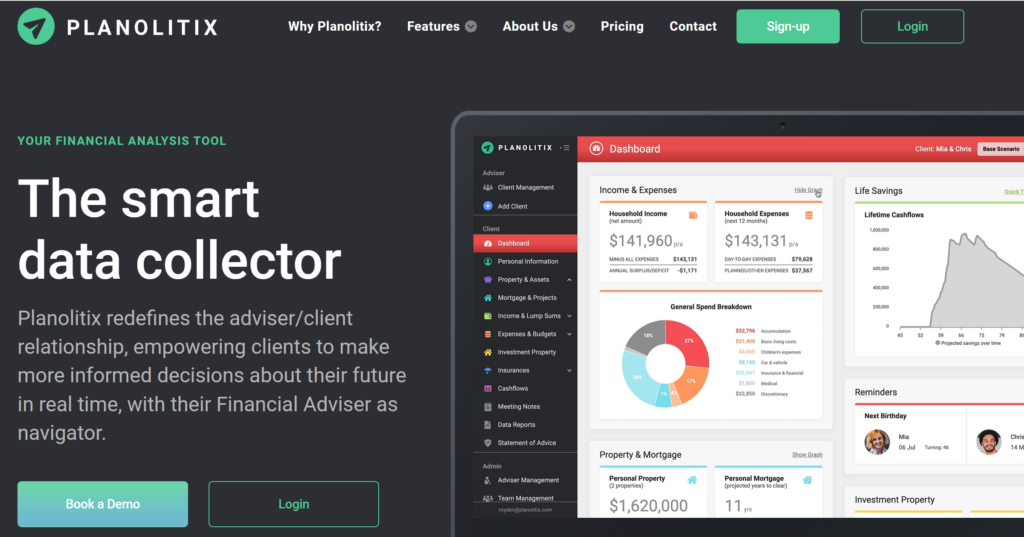
Real systems our team has built and runs. The images are examples and illustrations; screen recordings of each one are coming soon.
Calls come in while the team is busy or closed, and callers who reach voicemail often call someone else. We built an AI voice agent that holds a natural phone conversation, asks the business’s questions and passes the result on to the team’s systems. Results coming soon. More in AI Chatbot & Voice Agents.
The same data is typed into several tools, follow-ups get forgotten, and reports are built by hand every week. We build workflows that move data between business tools automatically, with AI steps where a rule isn’t enough. Results coming soon.
Customers message on WhatsApp after hours and wait for a reply, and staff copy chats into the CRM by hand. We build automated WhatsApp conversations that answer customers and capture leads, with a person able to take over. Results coming soon. More in AI Chatbot & Voice Agents.
TheAIReply connects a WhatsApp Business account through Meta’s official WhatsApp Business API, with no coding needed. It sends AI replies in the business’s tone, answers common questions around the clock and hands off to the team when needed, scores leads by what they’re asking about, and sends order confirmations and status updates, all in one dashboard. See it at theaireply.com.
| DIY (Zapier on your own) | Freelancer | Capslock | Enterprise automation platform | |
|---|---|---|---|---|
| Who maps the workflow | You | Usually you | We do, with your team | A systems integrator |
| AI decision steps | Only if you build them | Sometimes | Built in where they help | Usually a paid add-on |
| Tested on real data | Up to you | Varies | Yes, before launch | Yes |
| Watched after launch | By you | Rarely | Care plan from $200/month | Separate support contract |
| Who owns it | You | Varies | You, from day one | Licensed from the vendor |
| Starting cost | Tool subscription | Varies | From $1,000 | Usually six figures |
Straight answers to the questions owners ask us before they start.
An AI automation agency maps the repetitive work in your business, such as lead follow-up, CRM updates, invoicing and reporting, then builds automations that connect the tools you already use and adds AI only where a fixed rule cannot make the call. It tests on real data, hands everything over documented, and keeps it running.
At Capslock, a first workflow starts from $1,000, several connected workflows start from $3,000, and custom calling, voice or WhatsApp AI agents start from $5,000. An optional care plan starts from $200 a month. The price depends on how many workflows and systems are involved, whether AI steps are needed, and any compliance needs. Tool and AI usage fees are paid directly to the provider. You get a fixed quote after the free audit.
A first workflow usually takes 1–2 weeks from kickoff. Several connected workflows take 3–5 weeks, and a custom calling or WhatsApp agent takes 3–6 weeks. Before that comes a short audit, with written findings within 3 business days. Every automation is tested on your real data before it goes live, and the exact dates are in your plan before we start.
Start with work that happens often, follows clear rules, is easy to measure and does little harm if something goes wrong: replying to new leads, invoice reminders, CRM data entry or weekly reports. Keep anything involving money, legal decisions or messages that can't be taken back behind a person's approval. Pick one process, one owner and one number to improve, then build the next one.
Yes. Most of what we build runs on n8n, because every step is visible and editable and it can run on your own server. We use Zapier or Make when you already pay for them or when the flow is simple enough for you to maintain. For AI steps we use OpenAI or Claude, chosen per task and running on your own API keys.
Yes, when it's set up properly. We build in your own accounts on your own API keys, ask only for the access each workflow needs, and keep a person's approval in front of payments, customer messages and deletions. Every run is logged. OpenAI states that data sent through its business API is not used for training by default. We sign NDAs on request and don't handle patient health information without a Business Associate Agreement.
Measure the process before we build: hours spent, response time and error rate. After launch, multiply the hours saved each month by what those hours cost you, add any revenue recovered, such as leads that no longer go cold, and subtract the monthly running cost. Compare the result with the one-time build price, and review it at 30, 60 and 90 days.
You own everything: the workflows, accounts, API keys and documentation, from day one. Every build includes a 30-day fix window after launch. After that you can run it yourself, or add our care plan from $200 a month for monitoring, fixes when a connected tool changes, small adjustments and a monthly report. It is month to month, with no lock-in.
Yes. Capslock is based at 1590 Hooper Rd in Yuba City, California, and we can meet in person with businesses across Yuba City, Marysville, Sacramento, Roseville and the surrounding counties. Businesses anywhere else in the US work with us remotely by video, with the same process, the same fixed quotes and the same starting prices.
One sentence is enough. We’ll reply with written findings within 3 business days: what’s worth automating, what it would cost, and what to leave alone. No obligation.
Capslock Agency is based at 1590 Hooper Rd, Yuba City, CA 95993. For businesses in Yuba City, Marysville, Sacramento, Roseville and across Sutter, Yuba and Placer counties, we can hold the kickoff in person, sit with your team and see how work actually moves. Everywhere else in the US, we work by video, at the same prices. Local pages: AI automation in Yuba City · AI automation in Sacramento.
WhatsApp us